I wrote a while back about building a “keyboard jiggler” with my Raspberry Pi Pico board. Overtime I modified and improved it a bit to also work with mouse presses (hold M1). Basic keyboard commands were fine for idling in Fortnite LEGO, but for Droid Tycoon, I needed to be able to press a mouse. I also added an on/off toggle was supposed to get a button but I never got around to soldering a button to it and just short the pins with a wire to start and stop it.
I also started improving it with help from Claude. The last iteration worked off of a file input to program commands. I could program a set of simple commands into the text file, IE, “Hold W for X seconds”, “Tap Mouse1 for Y seconds.”
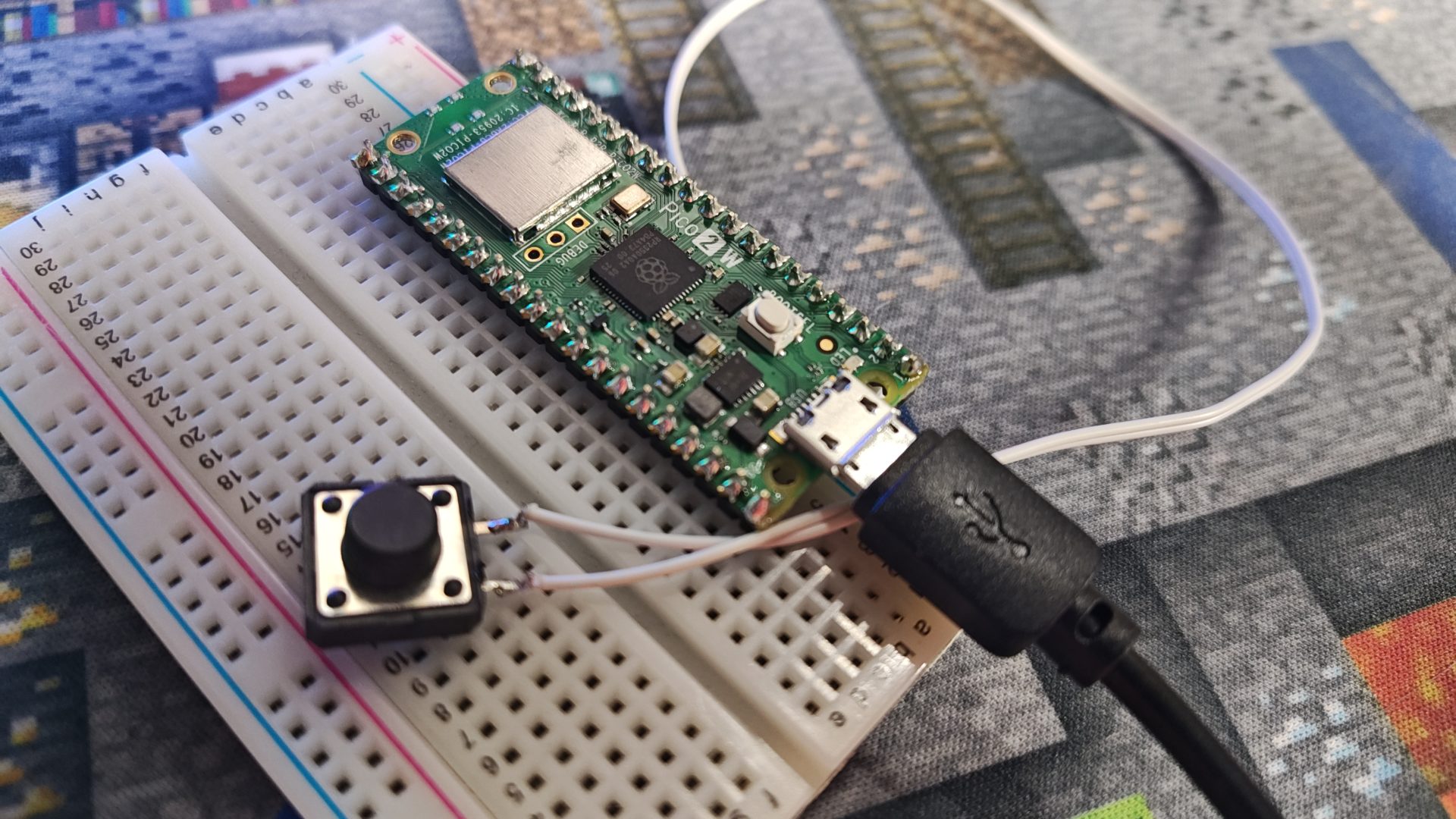
What I really wanted, was a way to just sort of do this natively, which requires an interface. The ideal was a simple web interface, I could code in some commands and the timer, and start and stop it remotely if needed. Except my Raspberry Pi Pico has no WiFi capability. Its actually I think an original first version model, I got it included with a RaspberryPi projects magazine.
So I ordered a Pi Pico 2, which is WiFi capable. After a bit of iteration in Claude, the whole thing has a simple web interface where it can be programmed, and an optional physical on/off button on pins 2 (GPIO1) and 3 (Ground).
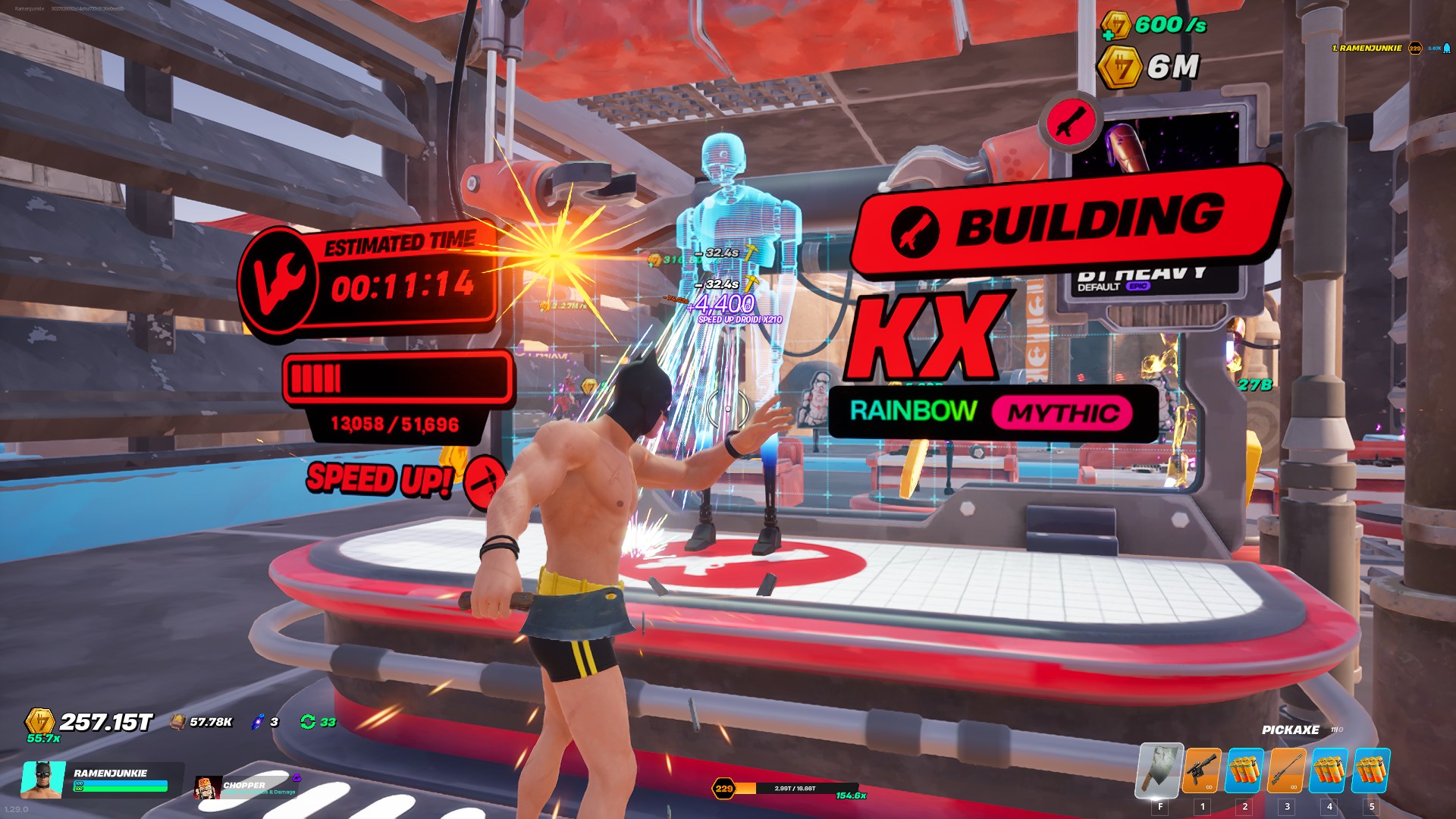
The why is just that its incredibly useful, primarily for Fortnite, but for other games. If I could be precise I could automate a few “manual entry” tasks with this set up, but what it works best for at tge moment is Droid Tycoon. Even now, as I type this out on my phone, I have it banging away on a long craft time droid. Its actually kind of nice because I can start a droid craft going, and go take some photos or something for the blog then when I am done 10 minutes later, so is my game task.
Anyway, here is a link to the repository folder. There is a readme on how to set up and configure CircuitPi, then the script just gets put on the base folder of the Pi Pico. I believe the script will work on other CircuitPi compatible boards, but the install files chosen will need to change to match, the set up is geared for the Pi Pico 2.